> ## Documentation Index
> Fetch the complete documentation index at: https://docs.sonderplan.com/llms.txt
> Use this file to discover all available pages before exploring further.
# Custom Fields
> Extend Sonderplan’s data model to capture the unique information your team needs with flexible, user-defined custom fields.
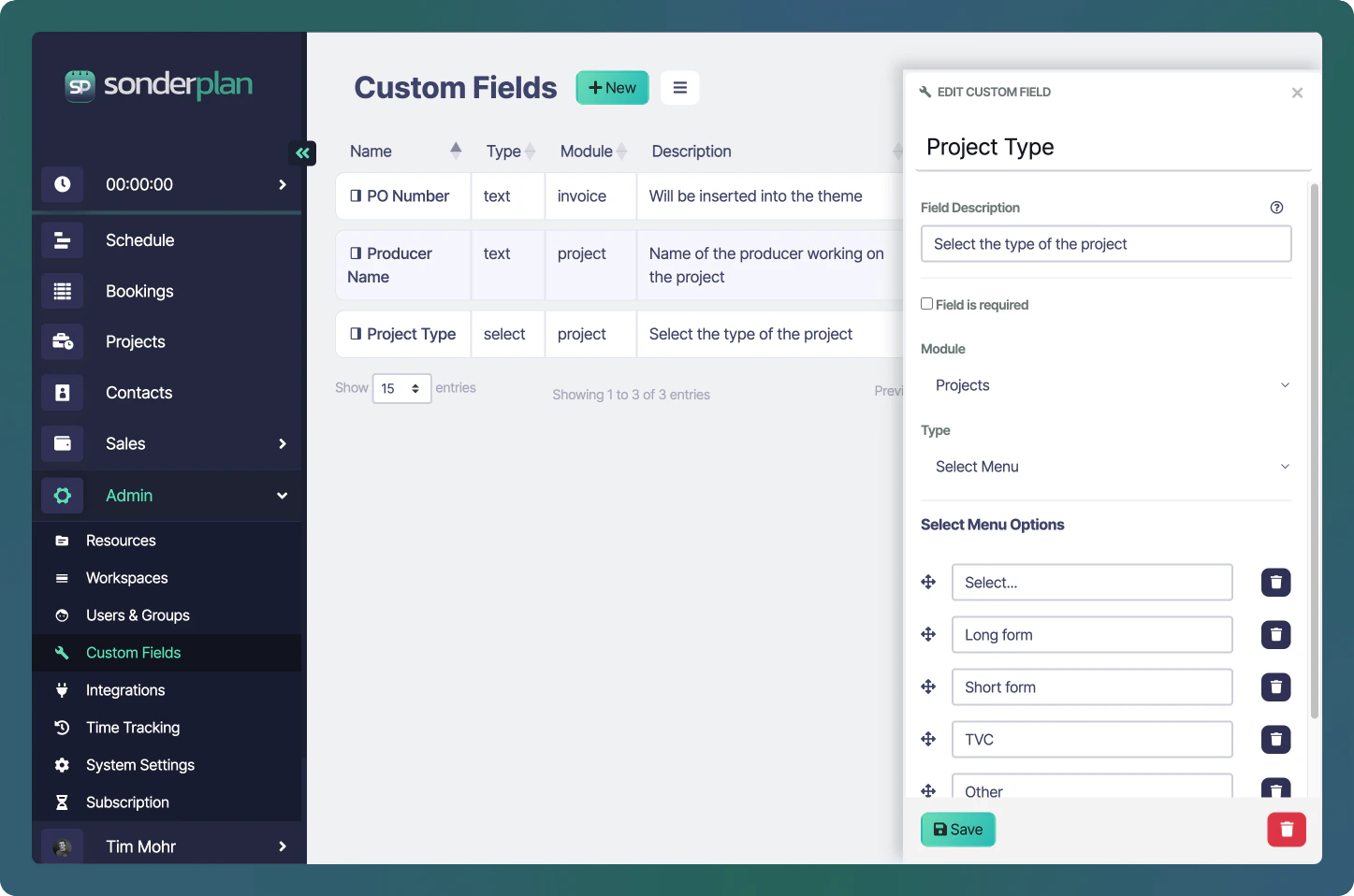
Custom Fields let you tailor Sonderplan to your team’s exact needs by adding your own data fields across modules—whether it’s recording project-specific notes, adding equipment serial numbers, or tracking custom statuses. In this section, you’ll learn how to create, configure and manage custom fields, choose the right field types for your data, and control where and when they appear in your workflows.
 ## Field Types
Sonderplan offers six versatile field types to capture whatever data your business needs:
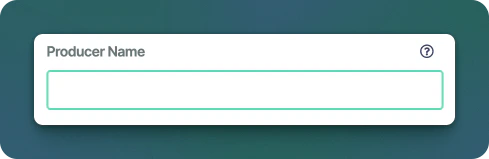
### Text
Ideal for single‐line inputs like serial numbers or short labels.
## Field Types
Sonderplan offers six versatile field types to capture whatever data your business needs:
### Text
Ideal for single‐line inputs like serial numbers or short labels.
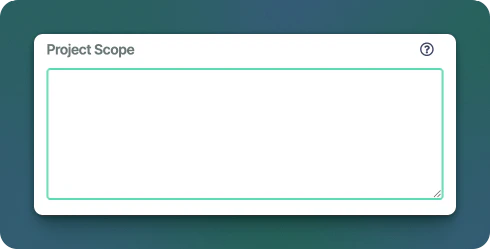
 ### Textarea
Perfect for multi‐line notes, descriptions, or detailed comments, this field dynamically expands as you type.
### Textarea
Perfect for multi‐line notes, descriptions, or detailed comments, this field dynamically expands as you type.
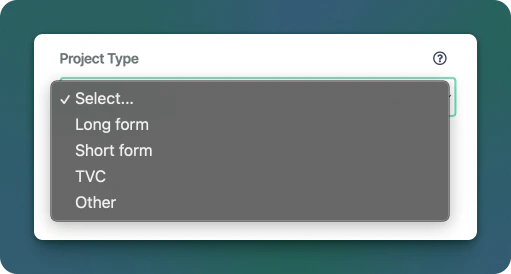
 ### Select Menu
Great for a predefined list of options—perfect for statuses or categories.
### Select Menu
Great for a predefined list of options—perfect for statuses or categories.
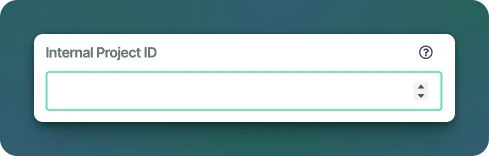
 ### Number
For quantitative values, allowing integer or decimal precision.
### Number
For quantitative values, allowing integer or decimal precision.
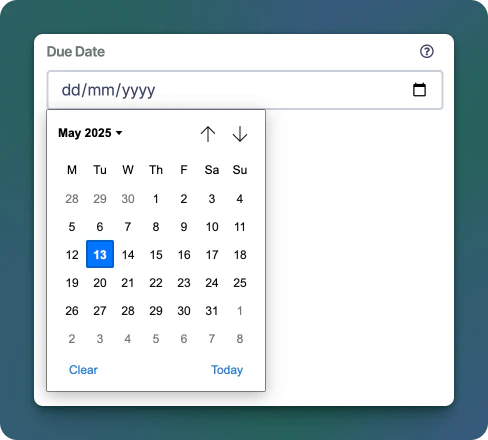
 ### Date
To record calendar dates (e.g., deadlines or delivery dates), appears as a datepicker in modern browsers.
### Date
To record calendar dates (e.g., deadlines or delivery dates), appears as a datepicker in modern browsers.
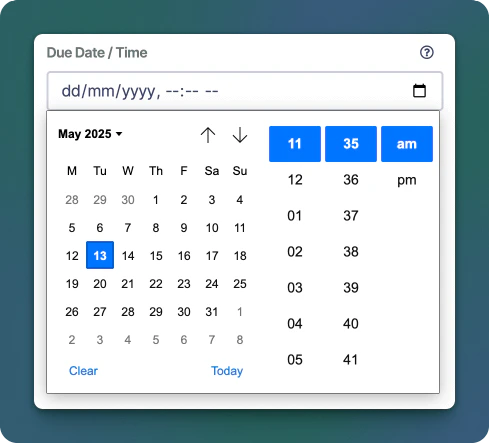
 ### Date Time
When you need both date and time (e.g., timestamped events), appears as a date / time picker in modern browsers.
### Date Time
When you need both date and time (e.g., timestamped events), appears as a date / time picker in modern browsers.
 Each field type can be set to be **required**, meaning it must be filled in with a value before the associated module (eg booking, project) can be saved.
## Field Modules
Custom fields are added to specific Sonderplan modules, allowing them to be extended to capture the data specific to your business. Below is a table of the modules that allow custom fields:
| Module Name | Notes |
| ----------------- | ------------------------------------------------------------------------------------------------------------------------------------------------ |
| Booking | |
| Project | |
| People | Contacts Module |
| Organizations | Contacts Module |
| Quotes | |
| Invoices | |
| Quotes & Invoices | Fields and their values appear on both quotes and invoices. Quotes that are converted to invoices also retain these values as they are migrated. |
| Billable Items | |
## Create & Edit Custom Field
From the **Admin -> Custom Fields page**, click the **+ New** button in the header to create a new custom field. If you want to edit an existing field, click on the name of the field in the Custom Fields table.
In the New Custom Field sidebar editor that appears:
* **Name (required)**: Give the Custom Field a clear, title (e.g. “Booking Type”). This title will be shown in the form
* **Description (optional)**: This text will be shown in the help bubble next to the field
* **Field is required** - When this checked, this field must be filled before the form will allow saving.
* **Module** - Select the module that this custom field will be attached to (see [Field Modules](#field-modules) table above)
* **Type** - Select the type of this custom field (see [Field Types](#field-types) section above)
### Select Menu Options
When selecting **Select Menu** as the type, an additional **Select Menu Options** section is shown. This section allows you to add, edit and delete the menu options as well as adjust their order.
Each field type can be set to be **required**, meaning it must be filled in with a value before the associated module (eg booking, project) can be saved.
## Field Modules
Custom fields are added to specific Sonderplan modules, allowing them to be extended to capture the data specific to your business. Below is a table of the modules that allow custom fields:
| Module Name | Notes |
| ----------------- | ------------------------------------------------------------------------------------------------------------------------------------------------ |
| Booking | |
| Project | |
| People | Contacts Module |
| Organizations | Contacts Module |
| Quotes | |
| Invoices | |
| Quotes & Invoices | Fields and their values appear on both quotes and invoices. Quotes that are converted to invoices also retain these values as they are migrated. |
| Billable Items | |
## Create & Edit Custom Field
From the **Admin -> Custom Fields page**, click the **+ New** button in the header to create a new custom field. If you want to edit an existing field, click on the name of the field in the Custom Fields table.
In the New Custom Field sidebar editor that appears:
* **Name (required)**: Give the Custom Field a clear, title (e.g. “Booking Type”). This title will be shown in the form
* **Description (optional)**: This text will be shown in the help bubble next to the field
* **Field is required** - When this checked, this field must be filled before the form will allow saving.
* **Module** - Select the module that this custom field will be attached to (see [Field Modules](#field-modules) table above)
* **Type** - Select the type of this custom field (see [Field Types](#field-types) section above)
### Select Menu Options
When selecting **Select Menu** as the type, an additional **Select Menu Options** section is shown. This section allows you to add, edit and delete the menu options as well as adjust their order.
## Delete Custom Field
Open the Custom Fields’s edit panel as above.
At the bottom-left of the panel, click the **** button. Confirm the deletion in the prompt.
The custom field will be removed from the list immediately.
Any custom field data associated with this field will also be deleted